

Please follow the instructions below to access the Simplified Contribution Platform.
Use these steps for your first time log-in:
- Use the email containing your login details for the Simplified Contribution Platform. The message came from:
- Fidelity No-Reply no-reply@appian.fidelity.com
- It is titled “Fidelity Investments – Simplified Contribution Platform – Account Creation (see below image of the email notification).
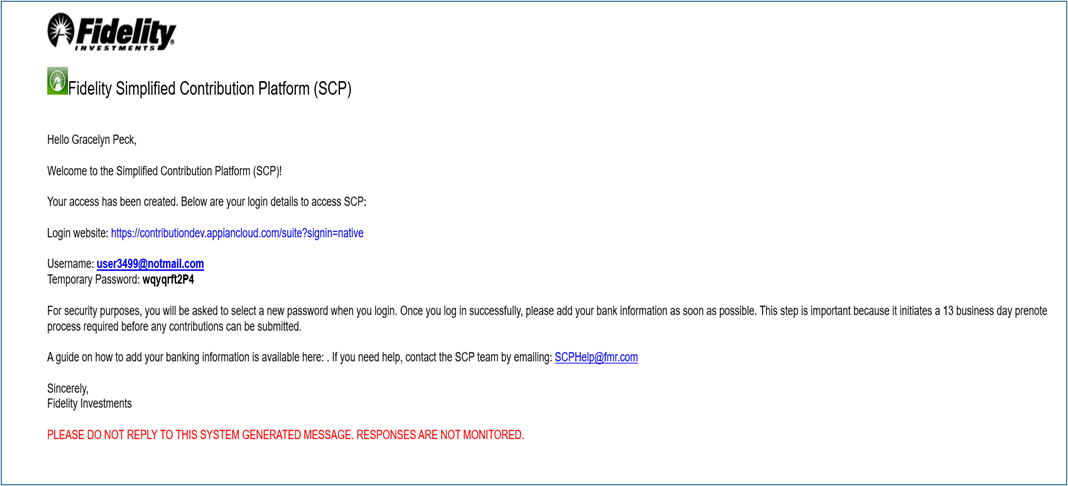
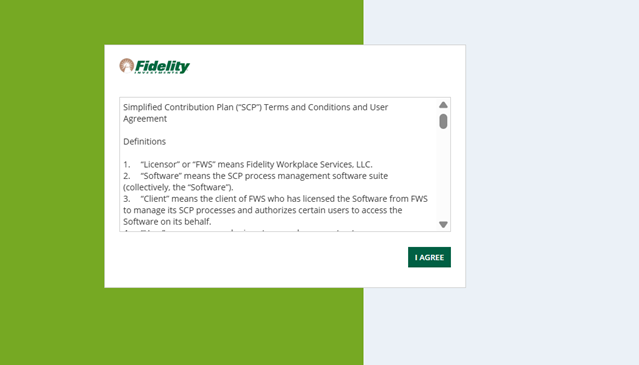
2. Clicking the login link in your email will prompt you to review the terms and conditions. Click “I Agree” to continue.
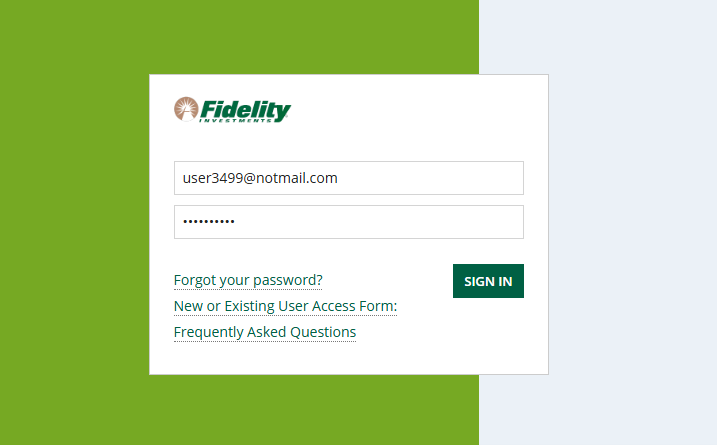
3. Enter your login name (typically your email address) and enter the temporary password provided in the access email. NOTE: The username is listed in your access email. If you are using copy/paste, your system may include an extra space that invalidates the login.
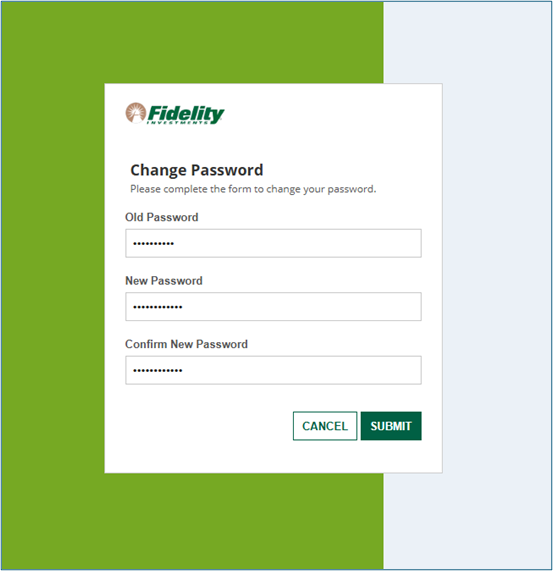
4. After logging in with your temporary credentials, follow the prompts to create a new password and secure your account. The new password must contain an uppercase letter and a number.
Congratulations, your access is enabled!
Adding banking information: Please refer to the SCP User Guide below.